Quick Start
From a stock MeshCore board to a beebo node you run from your phone, in about ten
minutes. You do not need the beebo command line for any of it.
Before you begin
- A Heltec WiFi LoRa 32 V4 (headless use; the V4.3 is the reference board) and a USB cable.
- A computer to flash from, and the MeshCore app on your phone.
- A board that has run MeshCore before. A brand-new board needs one stock image first: see Troubleshooting.
If the board already runs MeshCore v1.18.0, beebo keeps its settings and starts in the role it had.
1. Flash
Open the MeshCore Web Flasher, choose Custom
Firmware, and select heltec-v4-1.18.0.beebo.1.0.bin from the
releases page.
Check: the flasher reports success and the board restarts.
2. Connect
Connect the MeshCore app over BLE as you always do. The default pairing PIN is
123456. If the app cannot connect to a board you paired before, remove the board from
your phone's Bluetooth list and pair again.
Check: the app shows your node.
3. Find the feed
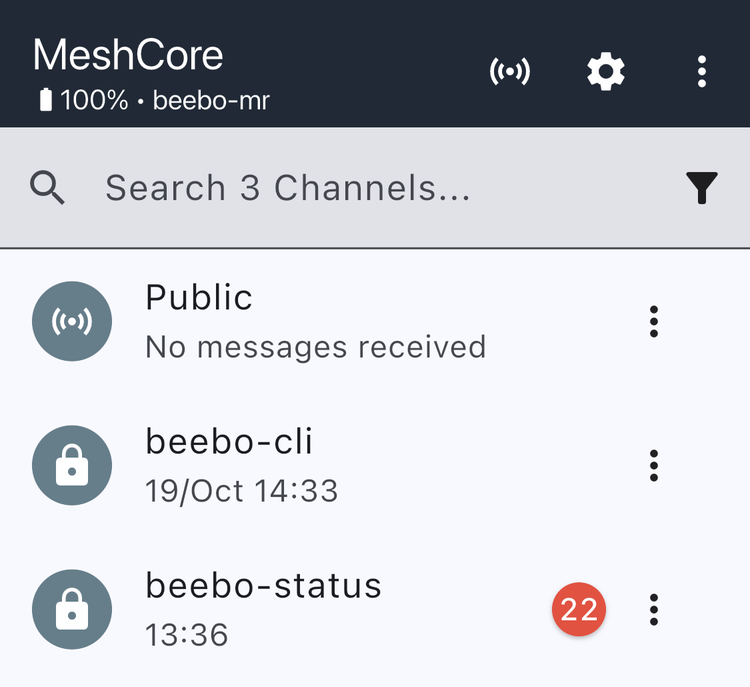
Two new channels appear in the channel list: beebo-status and beebo-cli. Within a
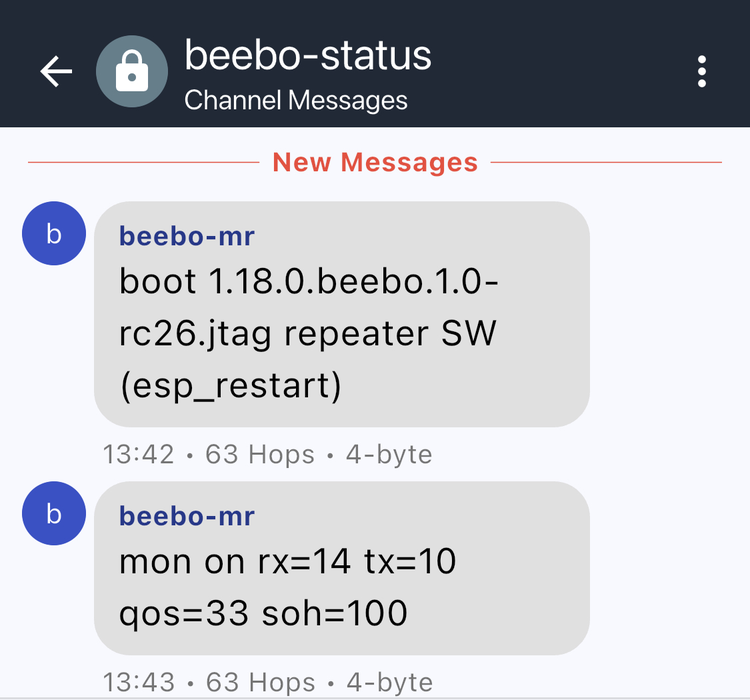
few seconds of a restart, beebo-status shows the boot line:
beebo-mr: boot 1.18.0.beebo.1.0 repeater SW (esp_restart)
Each line starts with the node's name, then the firmware version, the role and why it restarted.
If the transmit power is below 16 dBm you also see a warning:
beebo-mr: warn: txpower=10 dBm underdrives the PA, run: settings radio.txpower 18
A board that came from stock keeps the stock setting of 10, which is why this is common.
Raise it to 18 in the app's radio settings, or send settings radio.txpower 18 from the
CLI screen. 18 dBm drives the V4.3's power amplifier to its full output, 27.3 dBm at the
antenna connector in bench measurements. Check your region's transmit limits before you
raise the power, and use a lower value if they require it.
Check: you see the boot line, and the warning disappears at the next boot once the power is 18.
4. Use the CLI screen
Open the app's CLI screen. Commands run on the node you are connected to, and they use
the same words as the beebo command line: settings <path> reads a setting and
settings <path> <value> sets it. In the examples, the lines you type are plain and the
node's replies follow them (a read answers with > <value>):
ver
1.18.0.beebo.1.0 (Build: <date>)
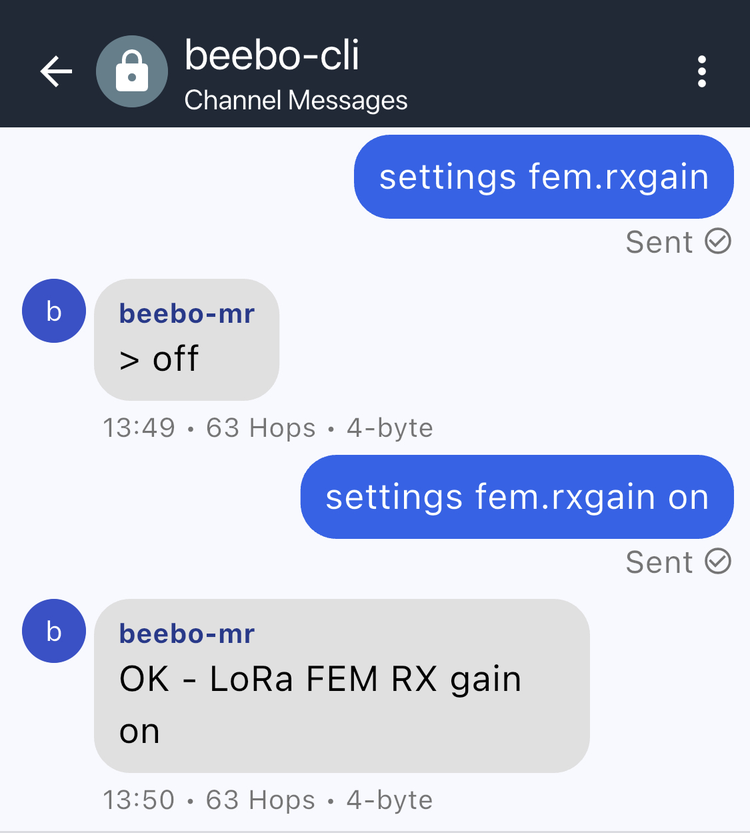
settings fem.rxgain
> off
settings fem.rxgain on
OK - LoRa FEM RX gain on
fem.rxgain switches the board's receive amplifier (LNA). It is off by default, and
turning it on is only an example here: put it back with settings fem.rxgain off.
Check: settings fem.rxgain reads > on.
5. Choose a role
settings board.node.role
> companion
settings board.node.role repeater
The node reboots into the new role and does not reply, so the app drops the connection.
Reconnect. board.node.role now answers > repeater. Each role keeps its own name, keys
and settings, so switching back restores them.
Check: the role reads back as you set it.
6. Run a trial (repeater)
A trial tests a setting on the live node. For each setting it runs the current value (A)
against one alternative (B) in alternating blocks, and keeps the better one. The default
profile, main, tests four settings: the front-end LNA, channel-activity detection
(CAD), the retransmit delay and the route retry.
settings routing.tuning.trial.enabled on
> on
The feed now follows the trial. These are the line formats; the numbers change with every run:
beebo-mr: trial cad start profile=main a=0 b=1 blocks=260 block=493s
beebo-mr: trial cad blk <n>/260 pairs=<p> gain=<+/-x.x>%
beebo-mr: trial cad <result> a=0 b=1 pairs=<p> gain=<+/-x.x>% se=<s>%
beebo-mr: trial <next setting> start profile=main a=<a> b=<b> blocks=<n> block=<s>s
The first line is a real start line. a and b are the two values compared (here CAD off
against on).
| Result | Meaning |
|---|---|
keep_a |
The current value stays. B was no better. |
adopt_b |
The node switched to B, and keeps it across reboots. |
inconclusive, undecided |
Not enough evidence. The current value stays. |
The planner sizes each trial to the traffic the node hears. That start line plans 260
blocks of about 8 minutes, up to 36 hours for that one setting, so a whole sequence takes
days on a quiet node and less on a busy one. You can close the app: the node keeps working
and queues the feed lines until the app next syncs. If the node hears too little traffic to start, the feed says
trial waiting for traffic.
Turning a trial on also sets what its records need on the monitor, with packet capture off
so that a long run does not fill the ring. monitor tuning trial shows where the trial
stands, and monitor tuning trial stop ends it at any time.
Check: the feed shows a trial … start line, or trial waiting for traffic; monitor tuning trial answers trial running … or trial waiting for traffic.
What next
| I want to … | Go to |
|---|---|
| Understand what each role is for | Roles |
| Read the feed lines and commands | The phone feed |
| Get more from trials | Setting trials |
| Know why a connection behaves as it does | Connections |
| Fix a problem | Troubleshooting |
| Update firmware, script, or analyze data | Commands |
| See everything beebo adds | Feature reference |